Connect any screen
Browser-first on compatible smart TVs, with optional players for screens that need them.

One place to run every screen across one shop or a thousand — menus, promotions, video walls, whole campaigns.
No stick needed. If your TV has a browser, open a page, type a code, and that screen is yours to control.
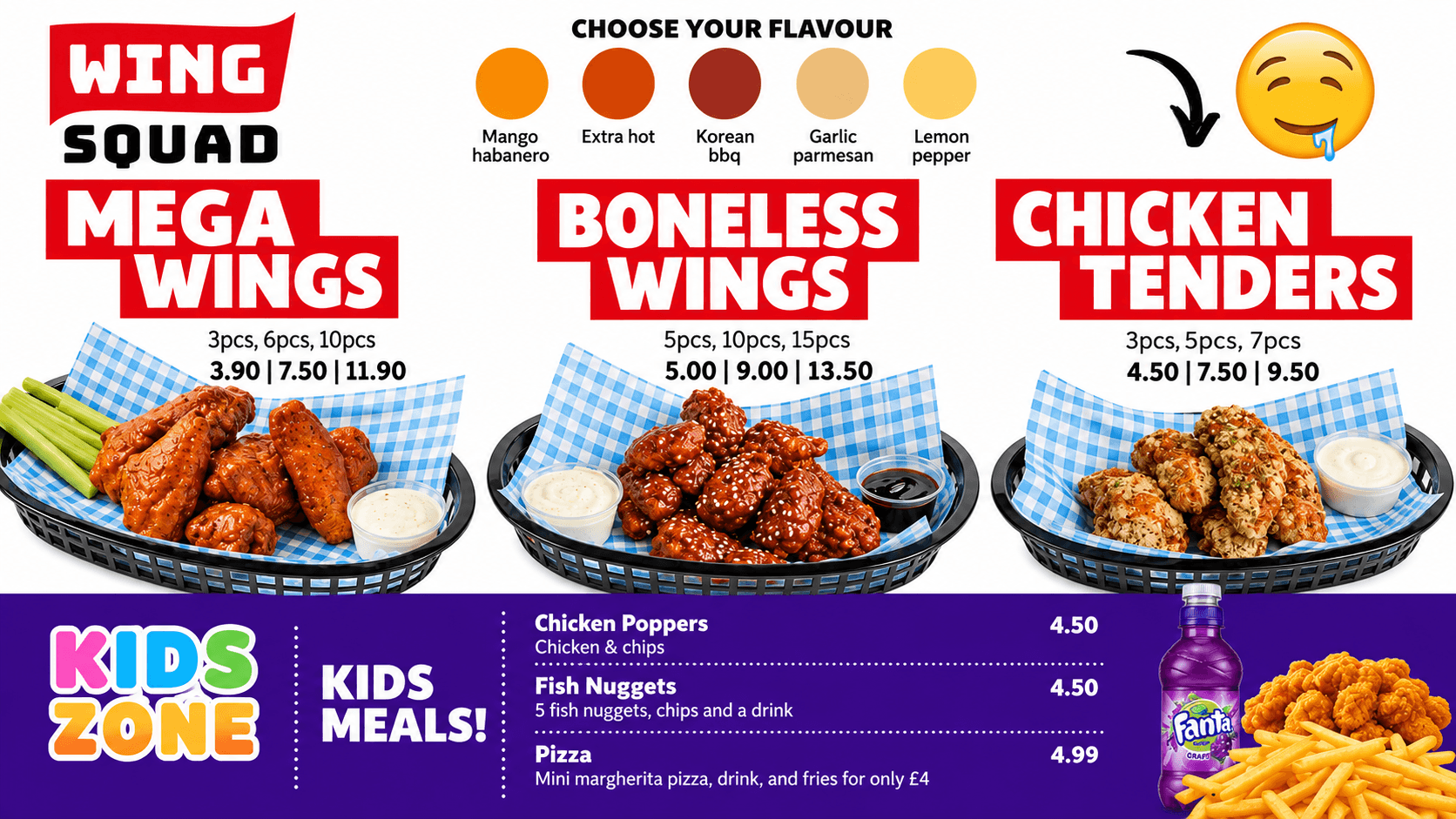
Ordinary signage is upload, schedule, display, repeat. GhostScreen works the other way round: understand the business, decide what should be shown, show it, then see what happened.
Browser-first on compatible smart TVs, with optional players for screens that need them.
Screens, locations, groups, playlists, media and campaigns from one dashboard.
Menus, promotions, images, video, branded content and synchronised experiences.
Schedule by time, day, daypart, campaign and location.
Screen groups, synchronised playback and multi-display video walls.
POS and business data drive menus, availability and what gets promoted.

GhostScreen reads the same data as menus, pricing, availability and promotions, so rules replace re-exporting artwork.
Out of stock in the kitchen, off every board at that site.
Schedules per screen, group or brand — one clock across ordering and signage.
Publish to a group; every paired display updates together, with proof of play.
Boards render from platform pricing, so no screen disagrees with the till.
Browser-first on compatible smart TVs, with optional players where a screen needs one. Nothing installed, no technician, no VPN.
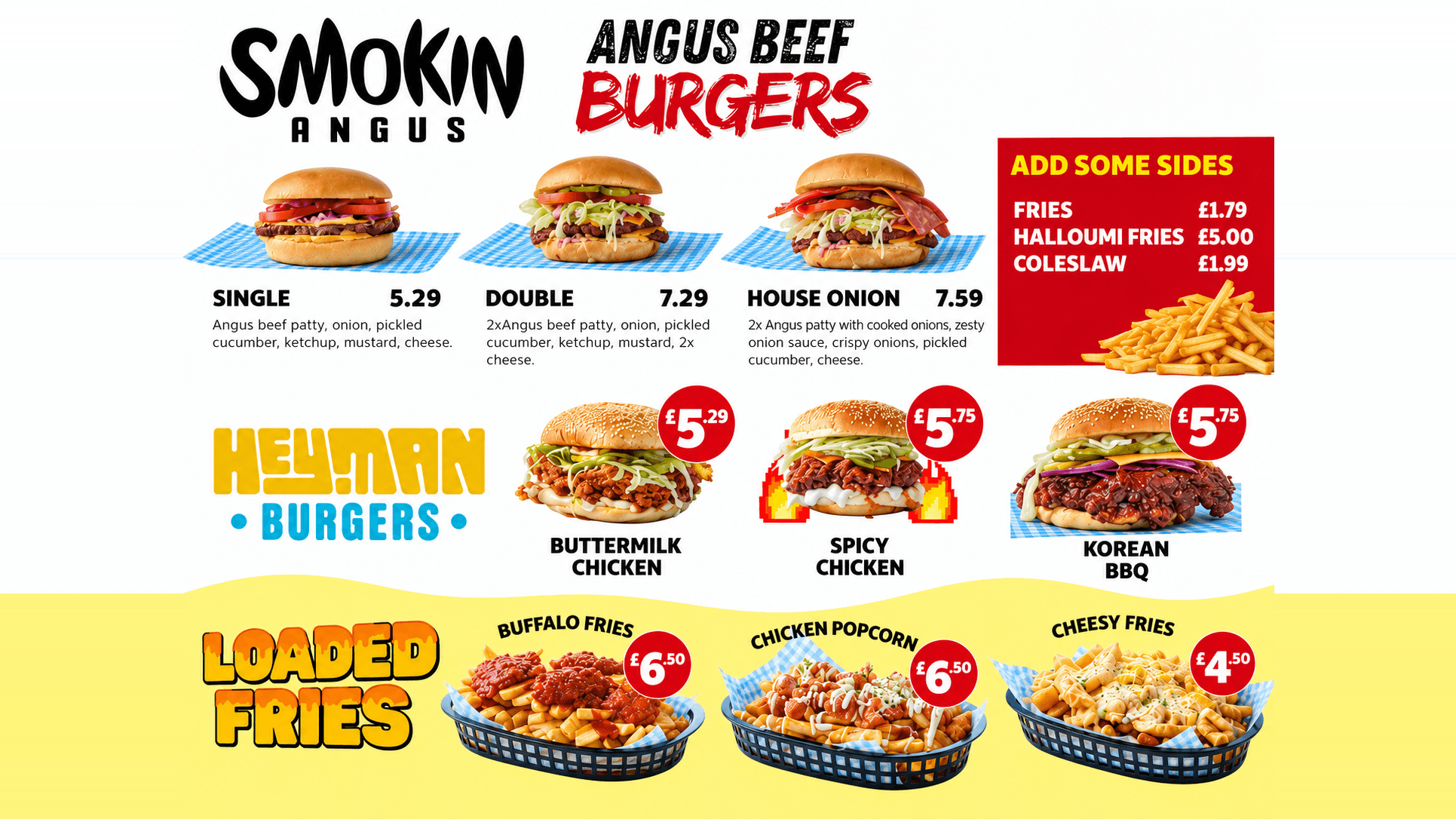 Screen paired
Three screens, one site, nothing installed
Most signage starts by selling you another computer. Ours doesn't. If the screen has a decent browser, open the GhostScreen page, enter your code, and it's connected.
Older screen, poor browser, or you'd rather have a dedicated player? Plug one in. We support those too — we just don't make you buy one.
Your screens. Your hardware. Your choice.
If the screen has a modern browser, that's your player. Open the page, enter the code, done.
Already have a Fire TV Stick or Android player? Keep it. Or add one where the TV's browser won't do.
Same idea as the stick, but wired — better where the wifi is patchy or the screen is on all day.
For a wall of five or six panels that has to stay perfectly in step, and for estates with an AV contractor.
One site, every screen in it, live in a week.